Join the receiver network
- Power IFT-01.Wait while the receiver starts.
- Open Wi-Fi settings.Join the network named IFT-01. The network intentionally does not provide Internet access.
- Open the EFB.Select its supported external ADS-B or GDL 90 receiver option if required. IFT-01 broadcasts GDL 90 data over UDP port 4000.
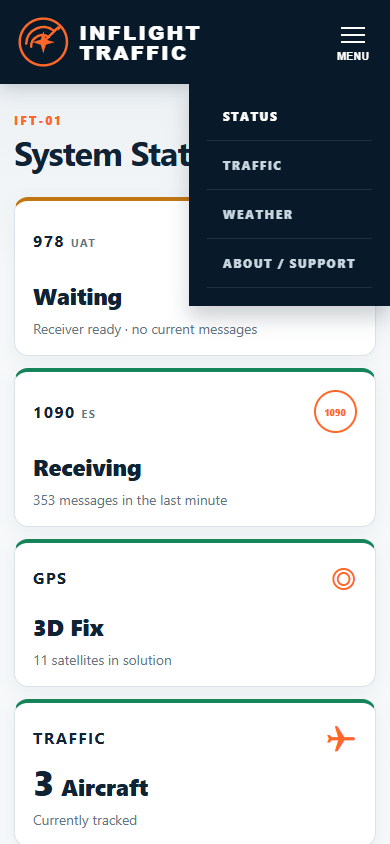
- Confirm reception.Check the EFB's receiver or device page for IFT-01 GPS data or traffic, then use ift01.local to confirm IFT-01 status if needed.
If the EFB does not connect
- Confirm the phone or tablet is still joined to IFT-01 Wi-Fi.
- Open ift01.local and confirm the Status page loads.
- Select the EFB's supported external ADS-B or GDL 90 option if required.
- Prevent the device from automatically leaving IFT-01 Wi-Fi because it has no Internet connection.
CURRENT VALIDATED SCOPE
Avare and iFly are validated for actual IFT-01 connection, ADS-B traffic display and built-in GPS ownship delivery. Both operated simultaneously from the same IFT-01 and displayed IFT-01-derived ownship and traffic information. No maximum device count is claimed. FIS-B weather has not yet been validated with either app. Other EFBs require validation with the specific device, operating-system and application versions.