Before you power on
- Place IFT-01 securely.Keep the enclosure unobstructed and give the unit a clear view of the sky.
- Keep the unit shaded.Keep IFT-01 out of direct sunlight while ensuring the enclosure remains unobstructed.
- Connect approved power.IFT-01 starts automatically when USB-C power is connected.
- Join IFT-01 Wi-Fi.On your phone or tablet, select the network named IFT-01. No Internet connection is required.
- Open your EFB.Select its supported external ADS-B or GDL 90 receiver option if required.
- Finish the flight.Unplug IFT-01 when finished. No shutdown procedure is required.
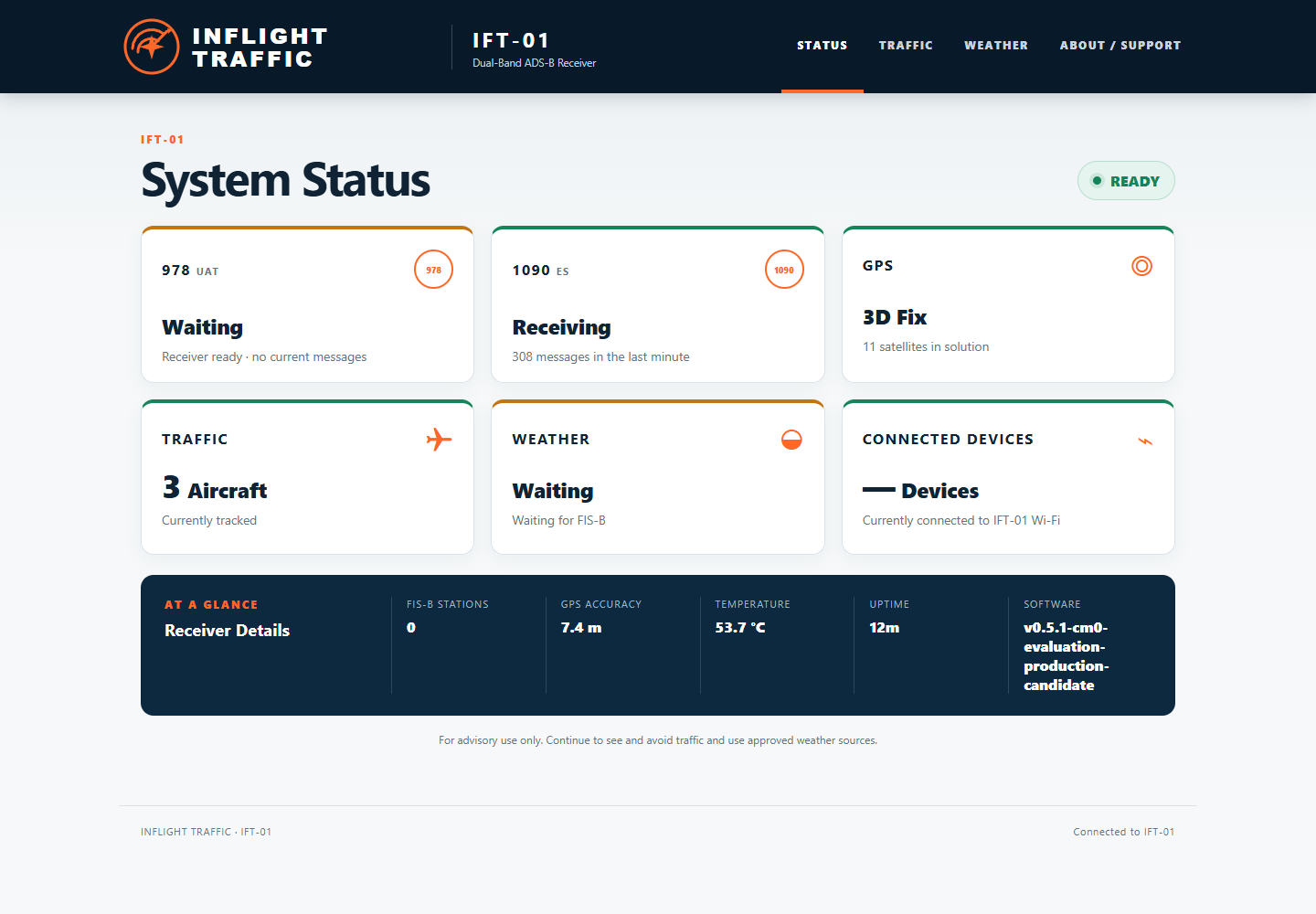
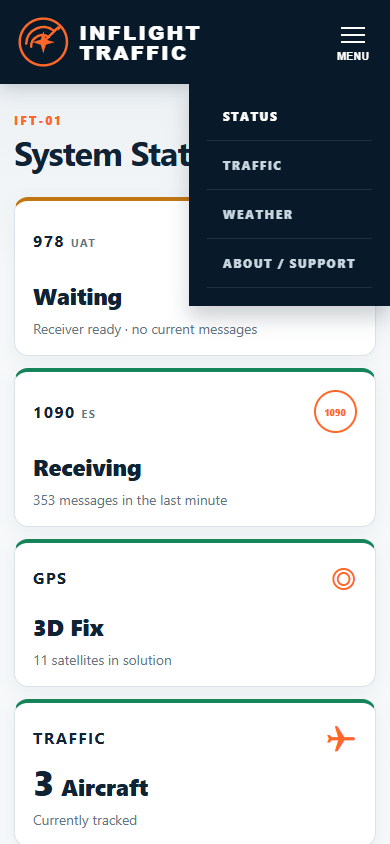
OPTIONAL STATUS PAGE
While connected to IFT-01 Wi-Fi, open ift01.local. If it does not open, use the separate Troubleshooting guide.